Your AI chats deserve a real writing partner
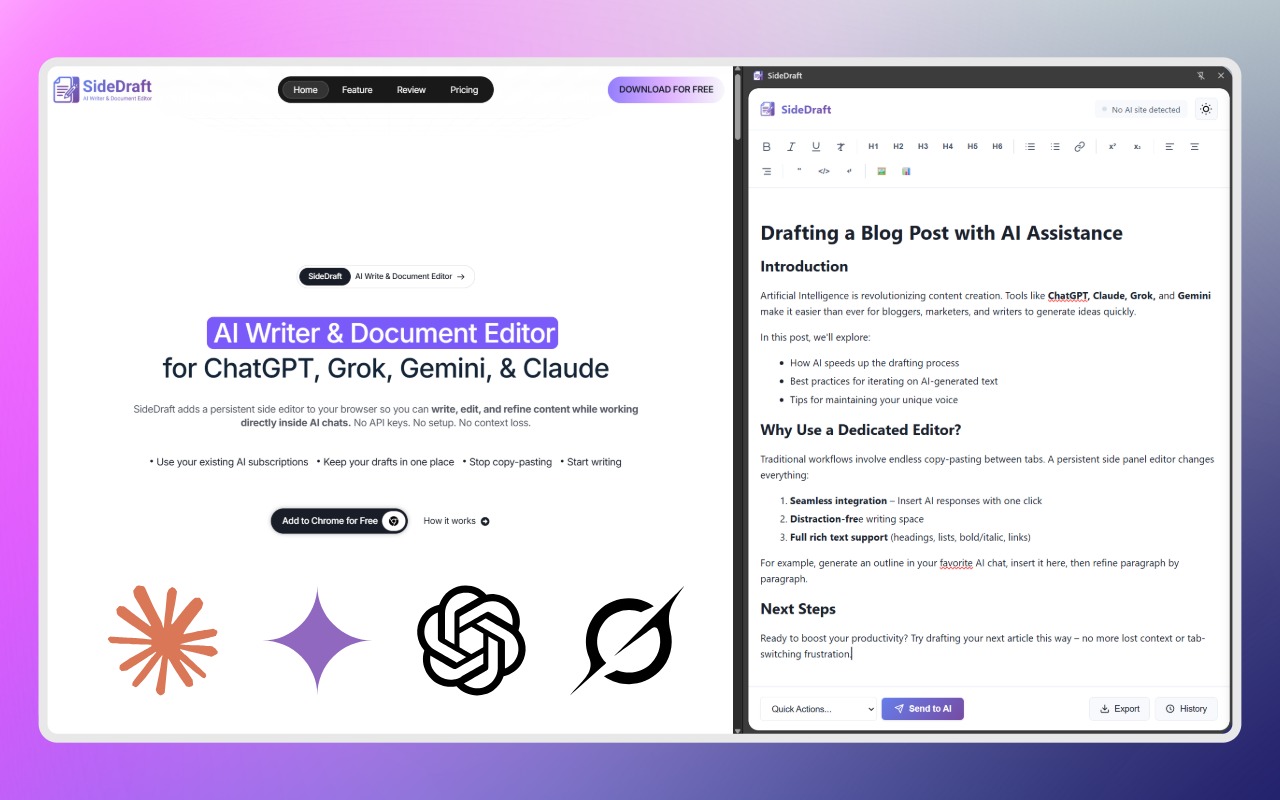
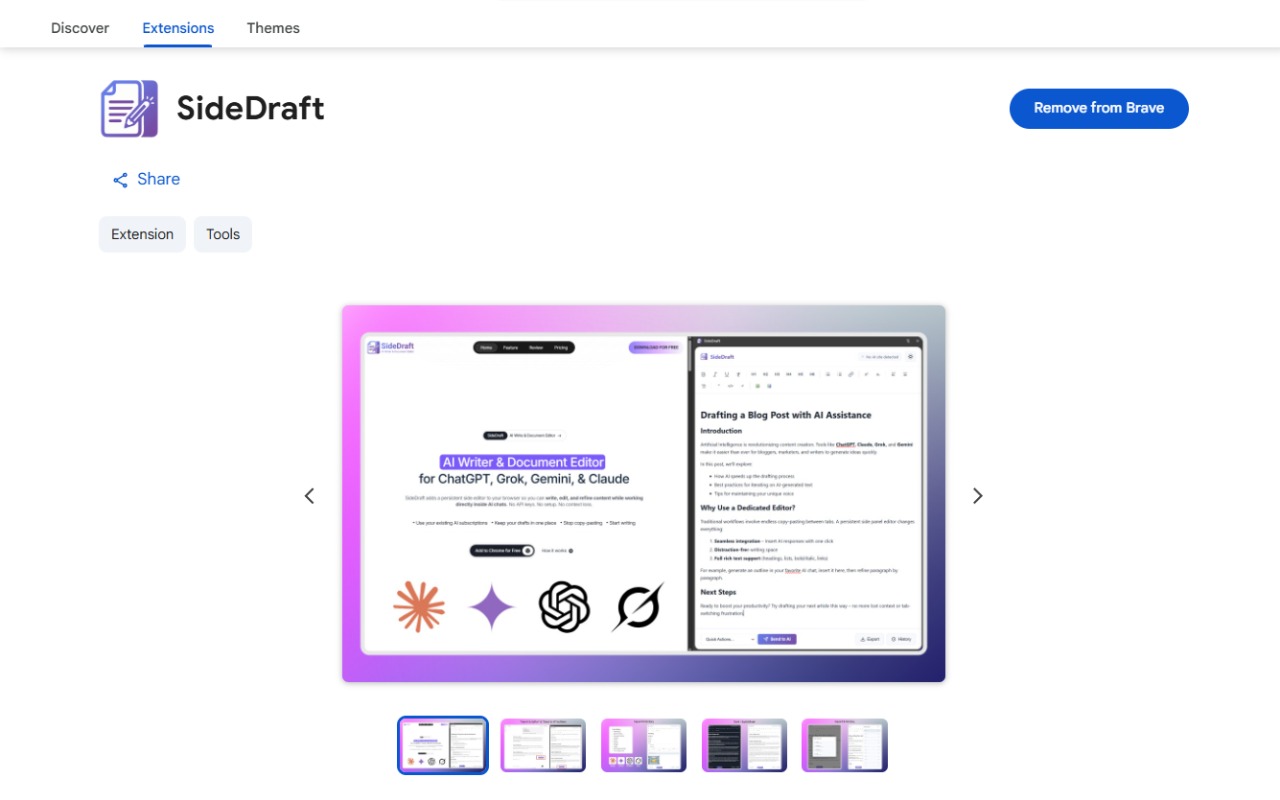
SideDraft adds a persistent side editor to ChatGPT, Claude, Grok, Gemini & Notebook LM so you can write, refine, and export without losing context or copy-pasting between tabs.
Works seamlessly inside
 ChatGPT
 Claude
 Gemini
 Grok
Grok❌ Without SideDraft
Your writing workflow is a mess of tabs and copy-paste
- Constant switching between your doc and AI chat
- Endless copy-paste loses formatting every time
- AI responses scattered across chat — hard to piece together
- You lose flow, focus, and momentum
- No clean way to export your final draft
✅ With SideDraft
Your draft lives right next to your AI — always
- Editor stays open as a side panel — no tab switching
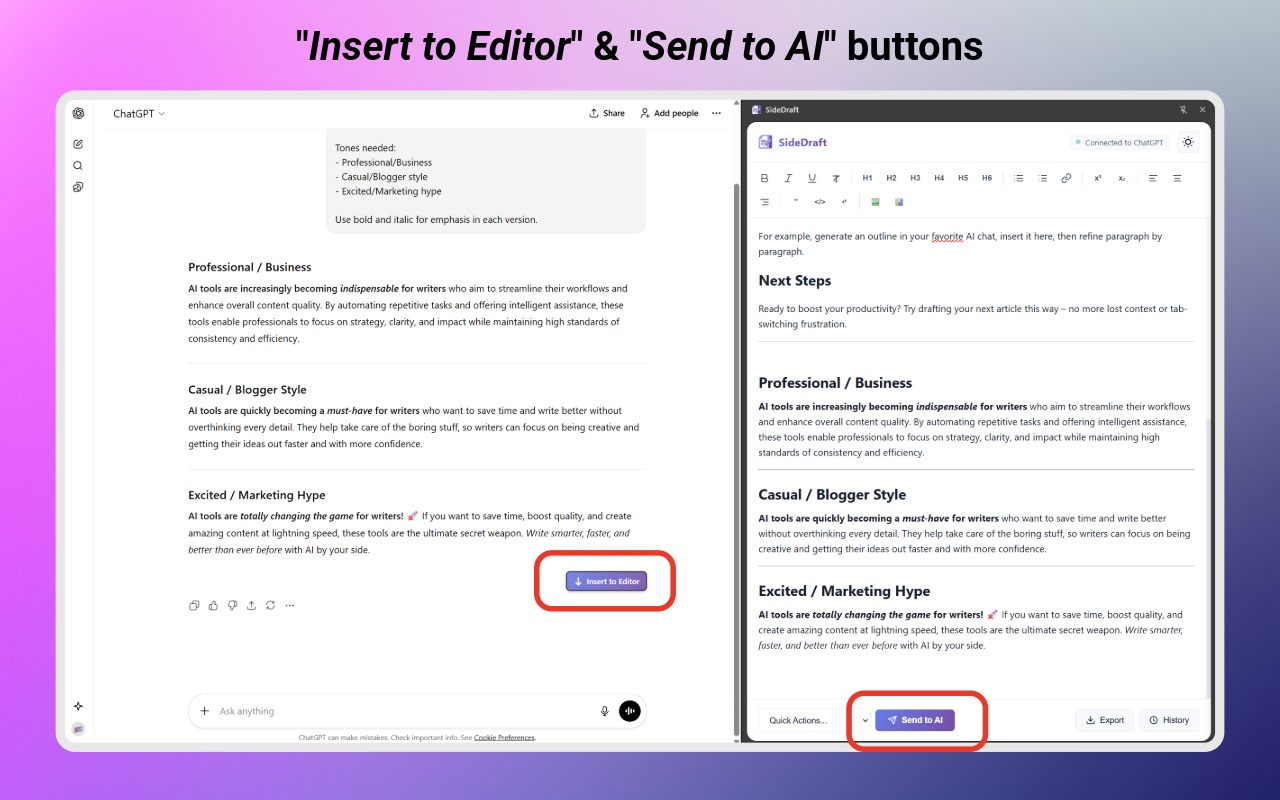
- Send text to AI with one click, insert responses back instantly
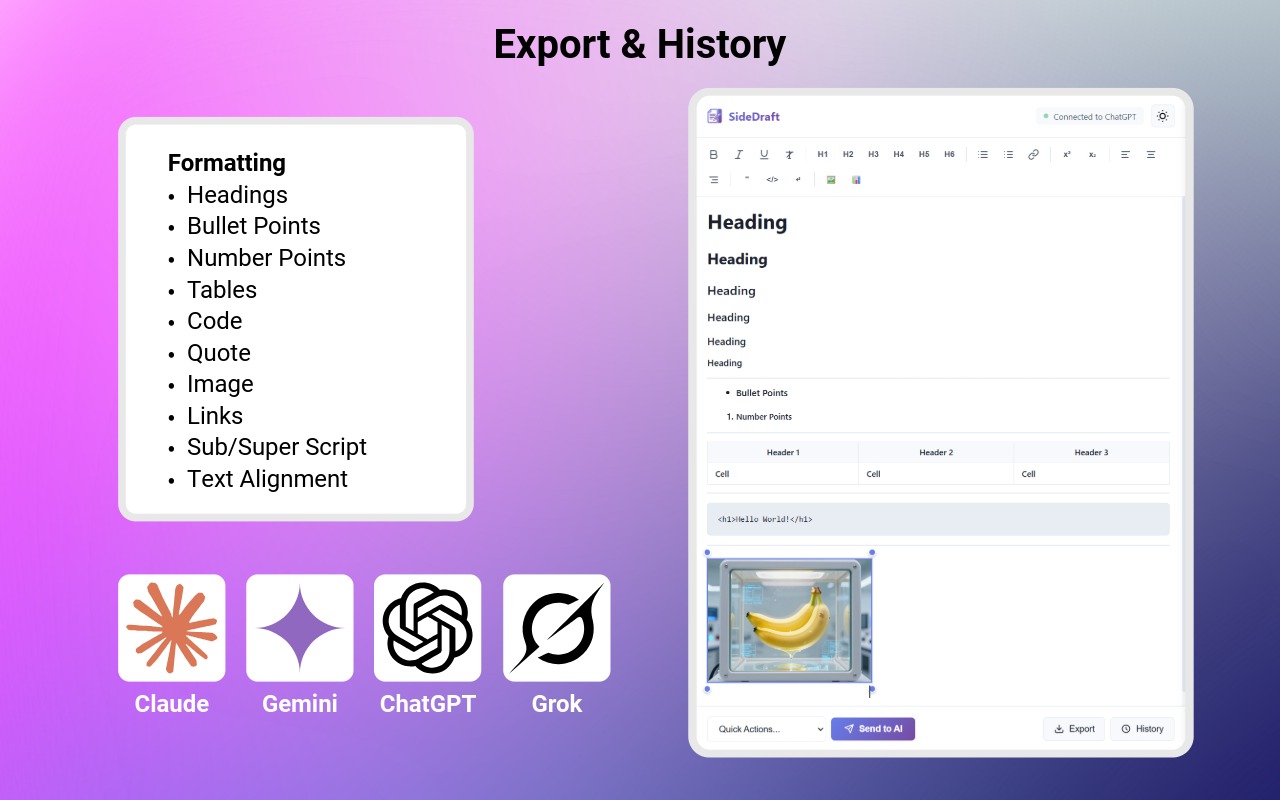
- Rich text editor — headings, lists, tables, formatting
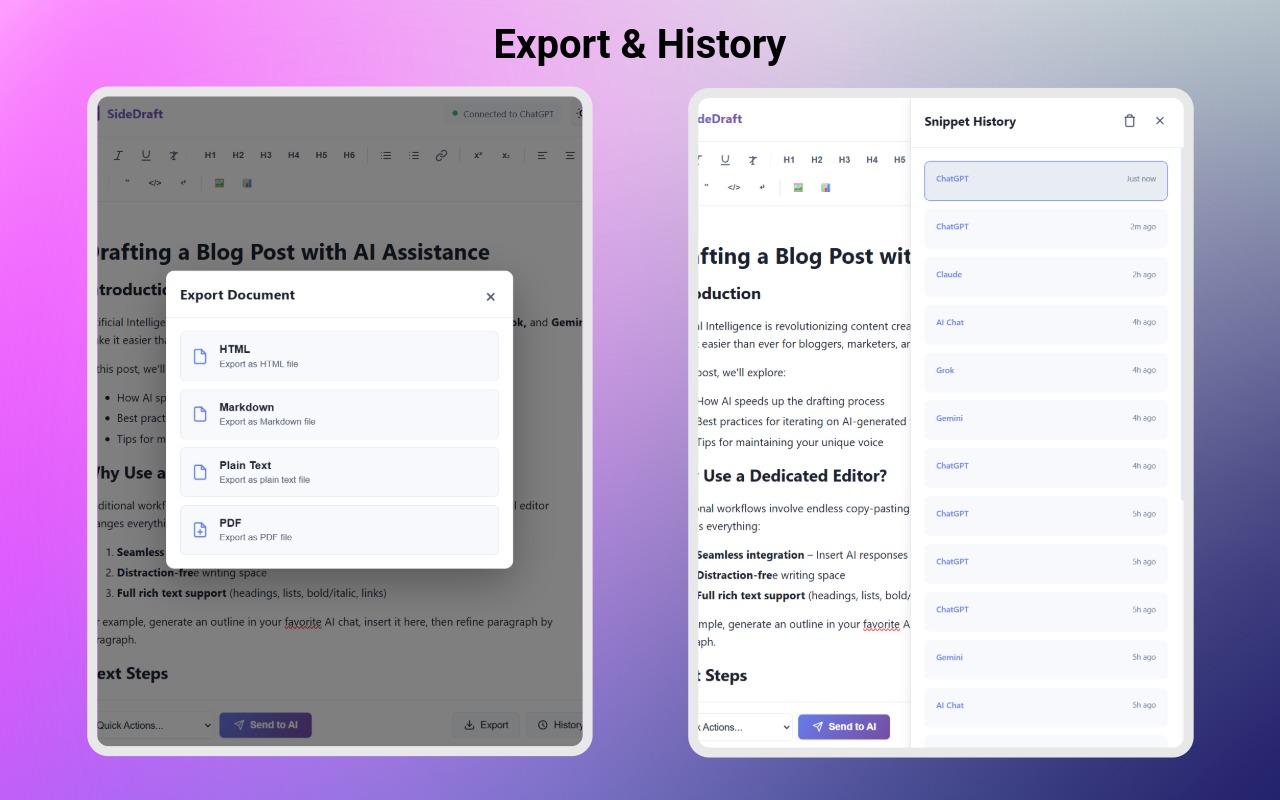
- Snippet history saves every AI response automatically
- Export as PDF, Markdown, HTML, or plain text
How it works
Three steps. Zero friction.
Open your AI chat
Head to ChatGPT, Claude, Gemini, or Grok. Click the SideDraft icon in your Chrome toolbar. Your editor panel opens alongside the chat.
No setup neededWrite → Send → Refine
Type your draft in the side editor. Select text and hit "Send to AI" — it lands directly in the AI input. Get a response, click "Insert to Editor" — done.
Bidirectional in one clickExport your polished draft
When you're done, export as PDF, Markdown, HTML, or plain text. Your writing, your format, ready to ship anywhere.
4 export formatsFeatures
Built for writers who take craft seriously
Rich Text Editor
Full formatting — headings, bold, italics, lists, tables, and links. A proper writing environment, not a textarea.
Bidirectional AI Sync
Send selected text to the AI chat input with one click. Insert AI responses back at cursor position or replace selected text instantly.
Snippet History
Every AI response you insert gets saved automatically. Access your last 50 snippets anytime — reuse, remix, reference.
Grab from Any Page
Select text anywhere on the web, right-click, and "Send to Editor." Research flows directly into your draft without copy-paste.
Flexible Export
Export as PDF, Markdown, HTML, or plain text. Your document, ready for blogs, GitHub, email, or publishing platforms.
Dark Mode + Clean UI
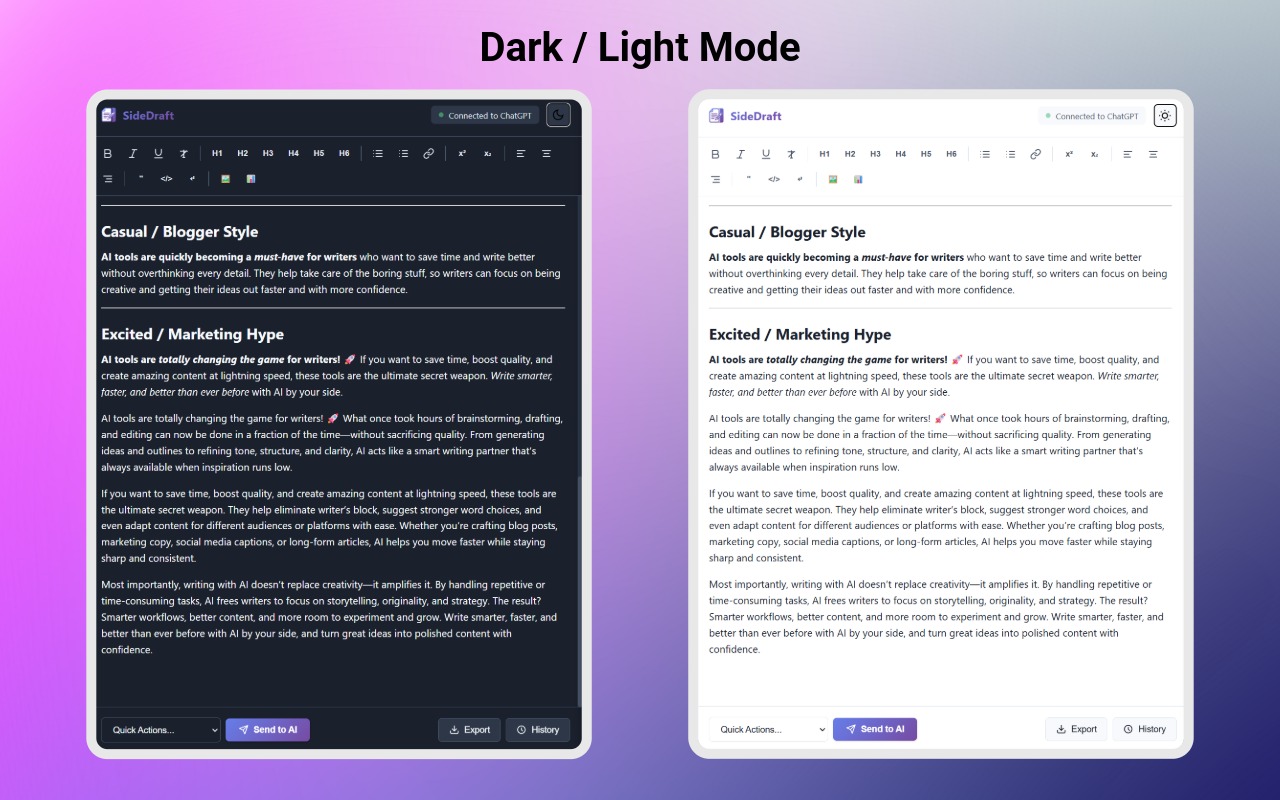
A distraction-free writing space that adapts to your system preference. Beautiful enough to inspire, simple enough to disappear.
Perfect for
If you write with AI, SideDraft is for you
Bloggers & Content Creators
Draft full articles alongside AI, maintain consistent voice, and export publish-ready content without reformatting.
Marketers & Copywriters
Iterate on ad copy, email sequences, and landing pages at speed — with AI as your creative co-pilot in the same view.
Students & Researchers
Write essays and papers efficiently. Pull research from any webpage directly into your editor. Stay in your flow.
Professionals
Polish emails, reports, and presentations with AI help — without losing your original draft or formatting.
Writers
Beat writer's block with AI, then refine your prose in a real editor. No more context loss between inspiration and execution.
Developers & Docs Writers
Draft technical docs, README files, and changelogs with Markdown export — structured and clean every time.
Export
Write once. Export anywhere.
Your final draft deserves to go anywhere — formatted, clean, and ready. SideDraft gives you four export formats so nothing gets lost in translation.
Privacy-First
Your writing stays yours — always
SideDraft runs entirely in your browser. No accounts, no servers, no tracking. Your drafts never leave your device.
FAQ
Questions, answered
Stop copy-pasting. Start writing.
Free forever. Installs in seconds. Works with the AI tools you already use.
Add SideDraft to Chrome — FreeNo account required · No API key · Works instantly